


Start from: The Workforce module.
-
Select Workforce Management > Proposals from the main menu.
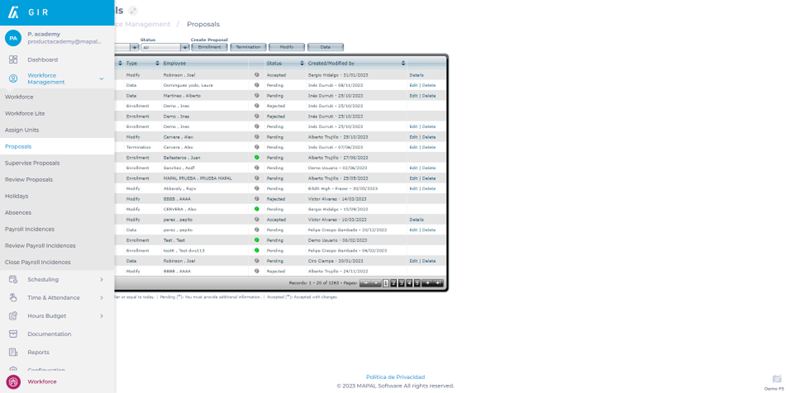
-
Choose the work center where you want to create the termination proposal.
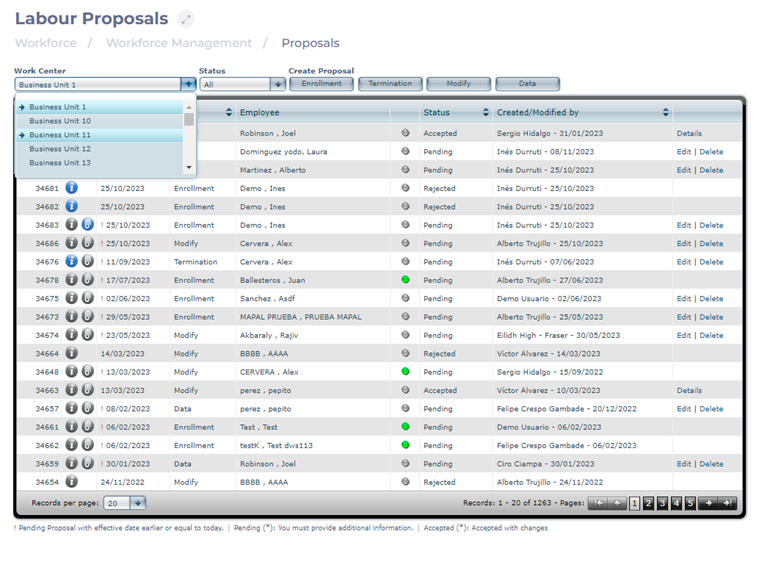
-
Select Termination to create a termination proposal.
-
Select the employee for whom you want to modify the contract.
-
Add the Date and Reason for termination.
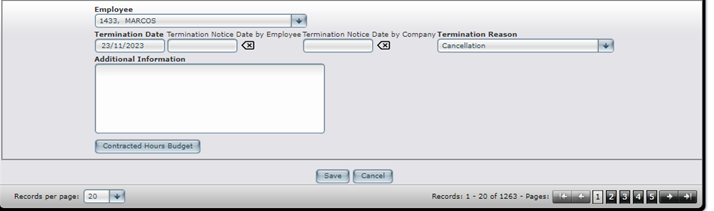
-
Select Save to create the termination proposal OR Cancel if you do not wish to proceed with the proposal.
