Start from: the Workforce module.
- From the main menu, go to Configuration > Direct Work.
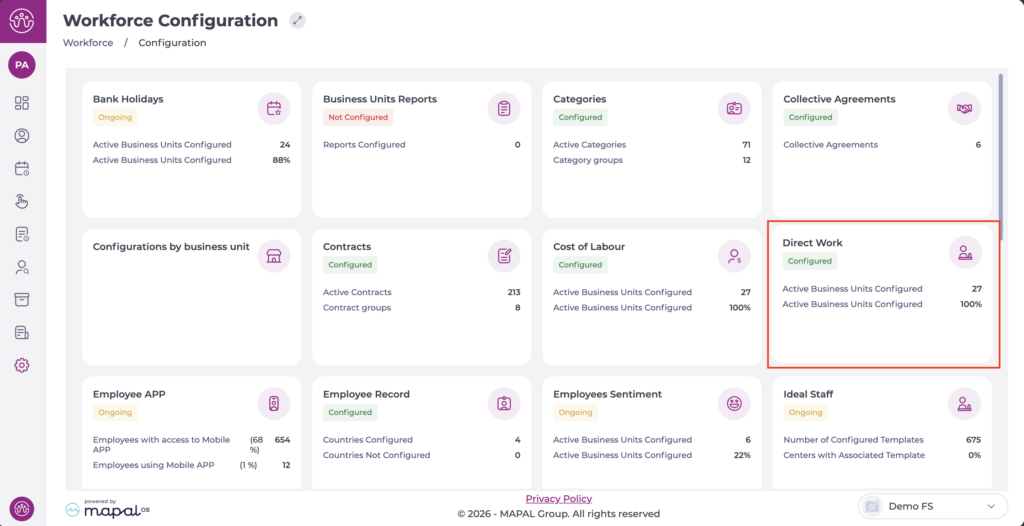
- Select the Business unit for which you want to enable report visibility from the dropdown.
- Select Reports and enable the required reports.
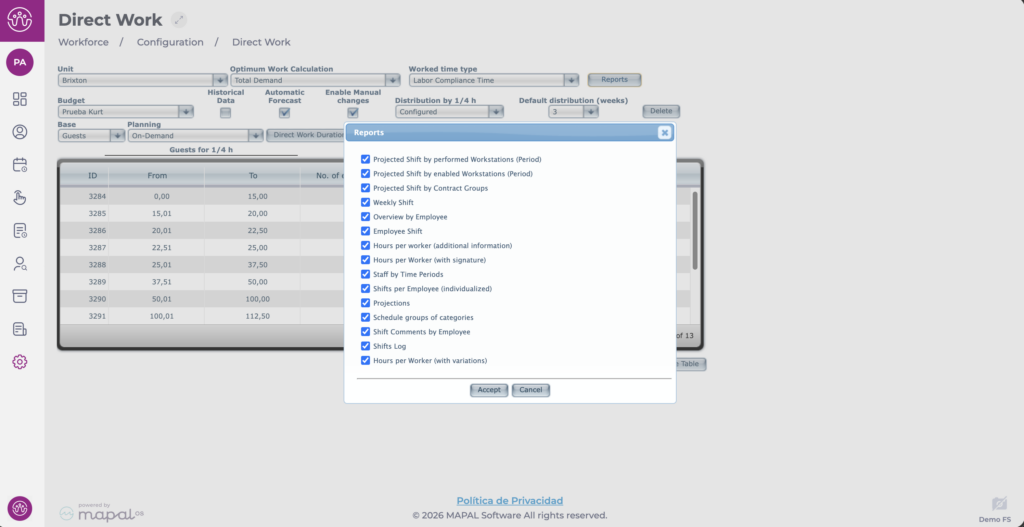
- Select Accept to save your changes or Cancel to discard them.
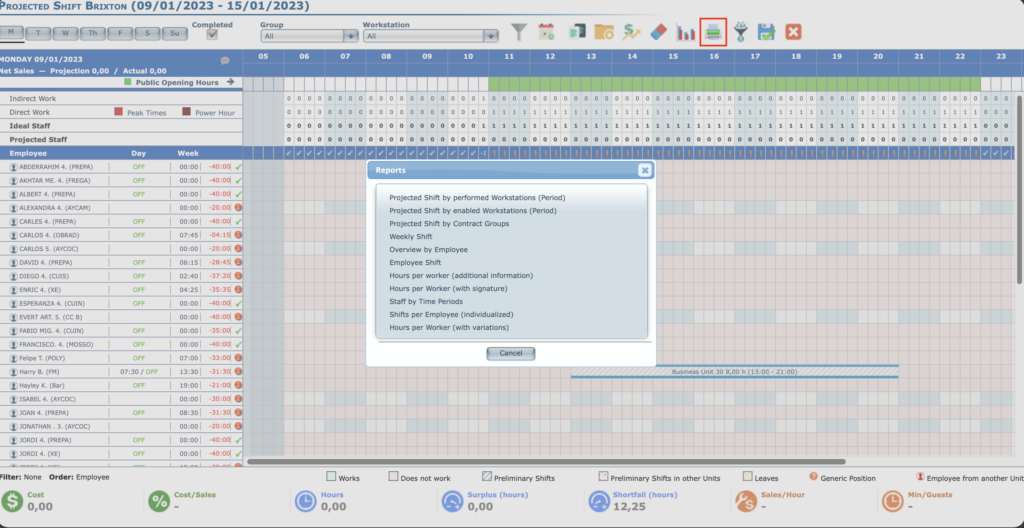
Once configured, the reports will be available from Weekly ROTAs > Reports.