


Start from: The Workforce module.
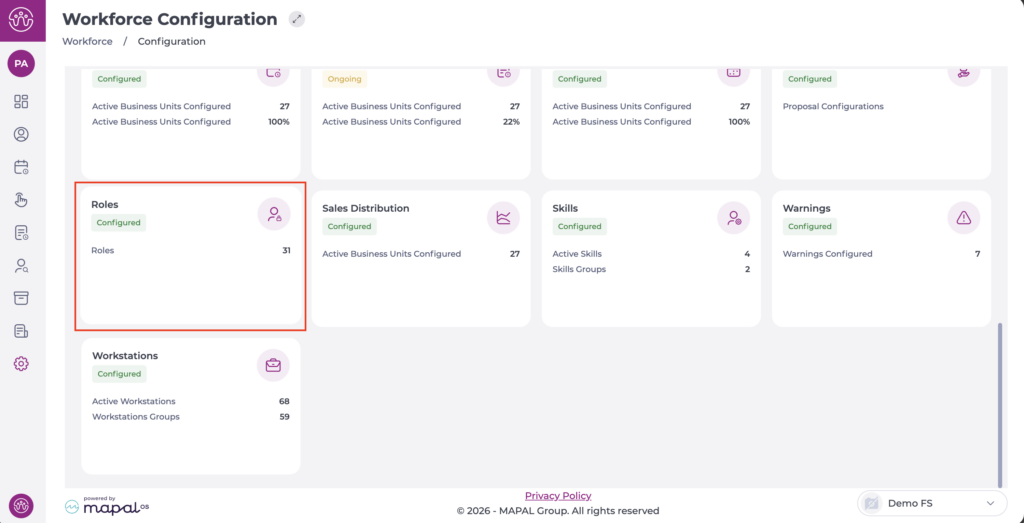
- Navigate to Configuration > Roles.
The Opening Hours screen has several available permissions:
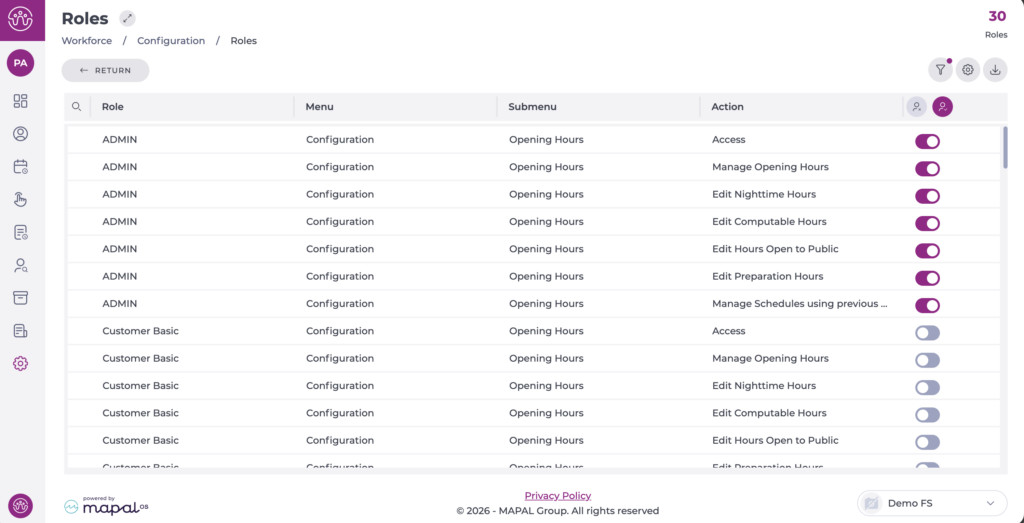
- Access: The user can access the "Opening Hours" screen with viewing, filtering, and exporting permissions.
- Manage Opening Hours: The user can create and edit schedules, but only editing the following fields:
- Description (only at creation).
- Activate/Deactivate schedule change.
- Half day off adjustment.
- Edit Nighttime Hours: Permissions to edit night hours.
- Edit Computable Hours: Permissions to edit computable hours.
- Edit Hours Open to Public: Permissions to edit opening hours (open to the public).
- Edit Preparation Hours: Permissions to edit preparation hours.
- Manage Schedules using previous Computable and Night-time hours: In case you want a user to create an opening schedule without permissions to edit the "Nighttime Hours" and "Computable Hours", enabling this toggle will automatically fill in the "Nighttime Hours" and "Computable Hours" from the last created schedule that is active and has all fields completed.
