


Start from: The Configuration module.
Manage users through Mapal OS
For companies on Mapal OS, your should deactivate users on the Mapal OS dashboard.
- In Mapal OS, select User management > Users.
- Follow the process to manage your users accordingly.
Note: if you're not sure whether you are on Mapal OS, contact your customer success manager.
Manage users through GIR
- Select Users > Deactivate from the main menu.

- The list of users currently active will appear. Select Disable next to the user you wish to remove from the current team.
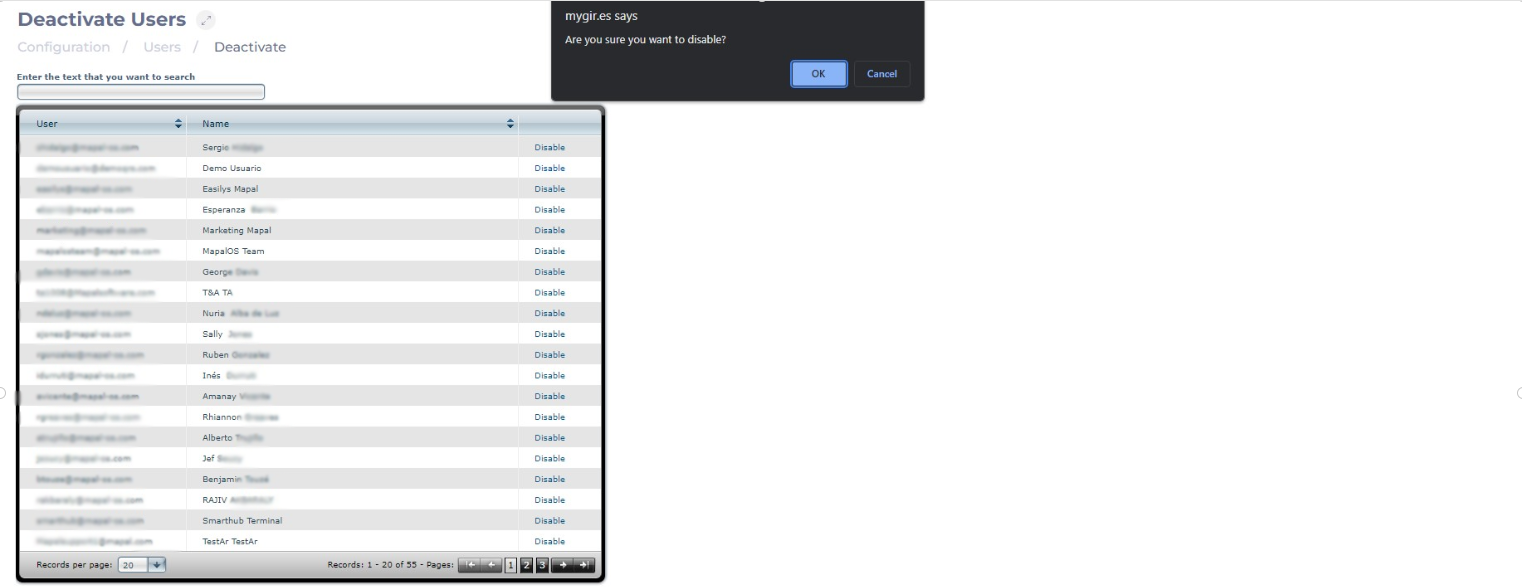
- Select OK to deactivate the user and remove them from the team or Cancel to leave them active.
