Start from: The Easilys menu.
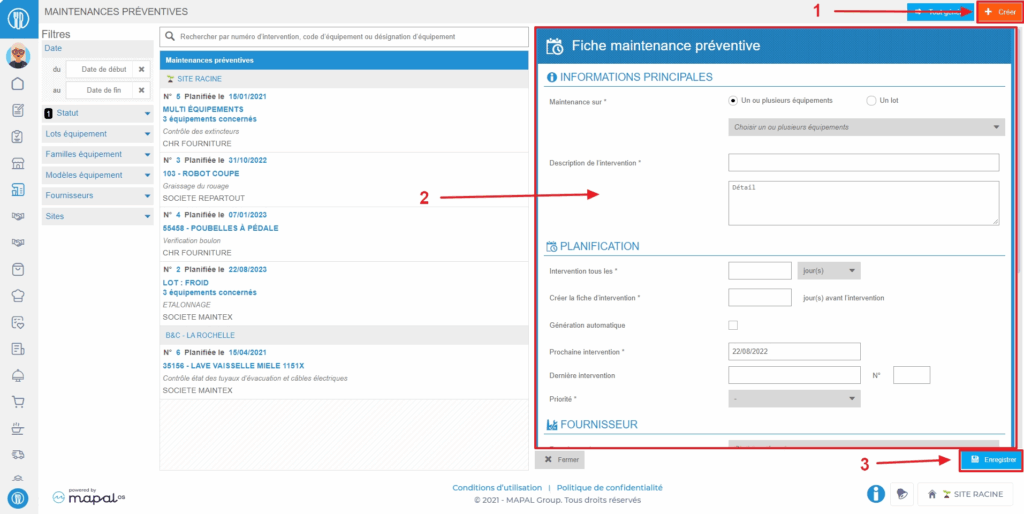
- Select the tabs Equipment > Preventive.
- Select Create visible at the top right of the screen.
A blank preventive maintenance form appears on the right side of the screen.
- Complete the requested information. Those followed by a * are mandatory to create the form.
- Select Save at the bottom of the form.
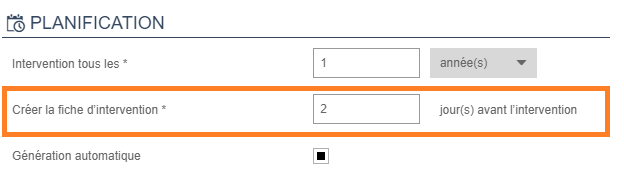
Note: Preventive maintenance forms automatically generate a service request on the date indicated in the form at the line "Create the service form". To generate requests in advance, you can manually generate the requests.