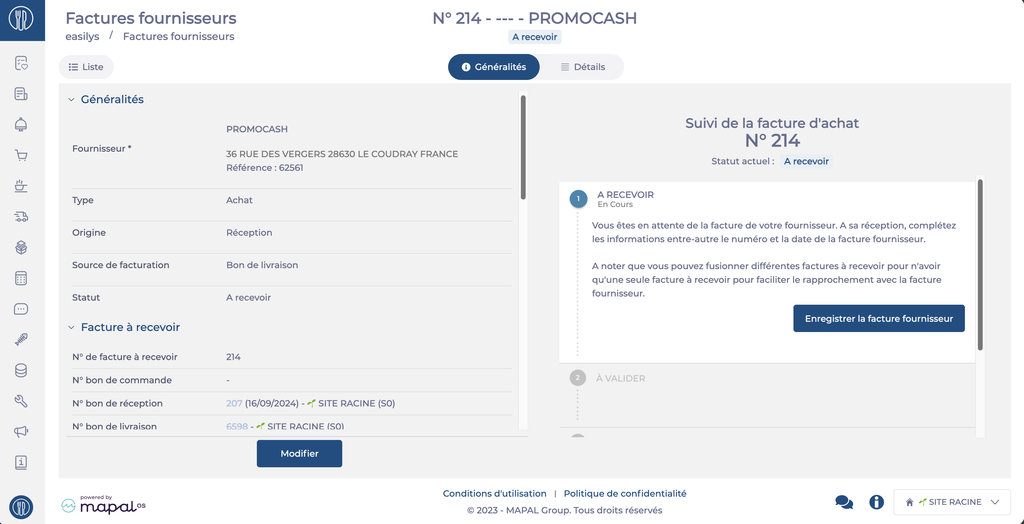
Start from: The Easilys menu.
- Select the tabs Supplier orders > Supplier invoices.
- Select the credit note invoice on which you want to enter the tracking.
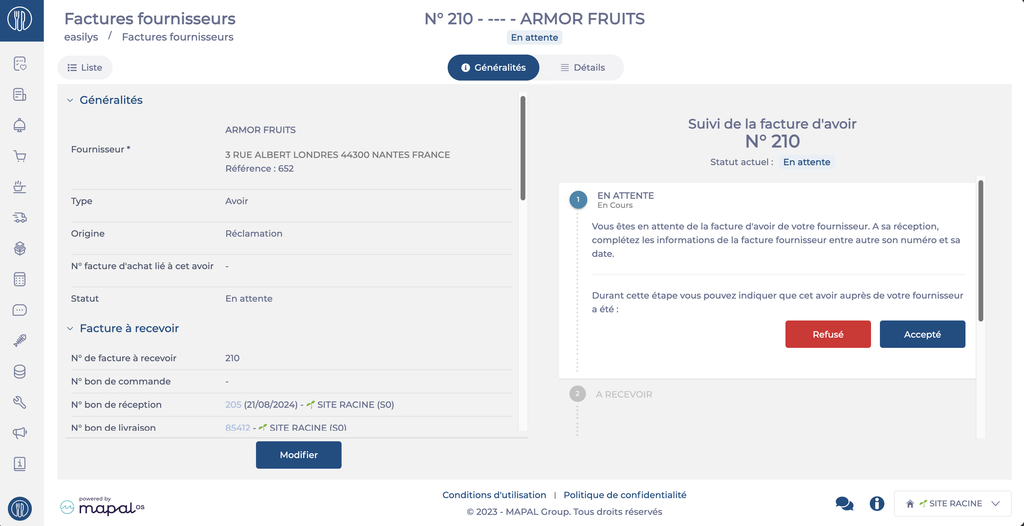
- In the "General" tab of this invoice, select "Rejected" or "Accepted".
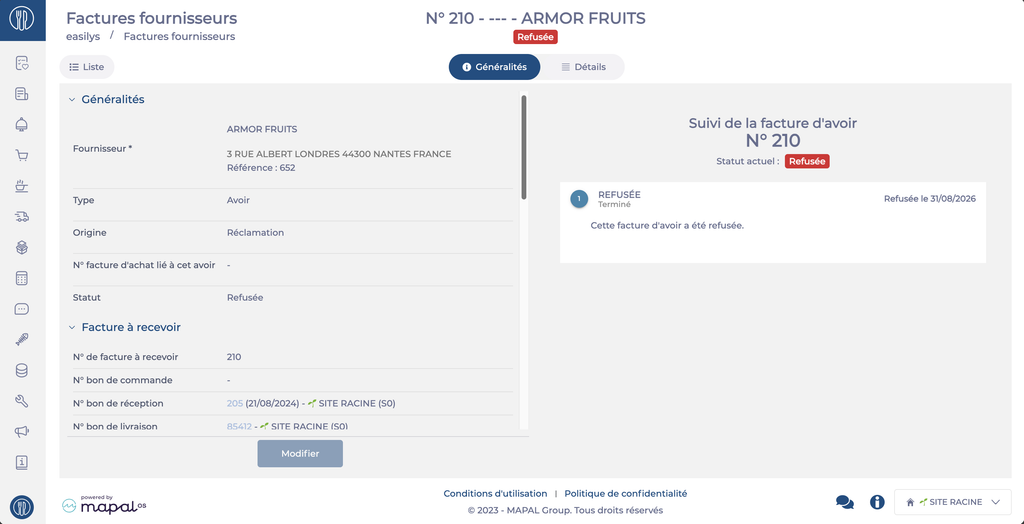
- If you have selected "Rejected", the invoice changes to "Rejected" status.
- If you have selected "Accepted", the invoice changes to "To be received" status. You will then need to process the invoice normally.