Note: every action performed in the application is subject to access permissions. If you are unable to perform the actions recommended in the articles you consult, the necessary permissions may not have been enabled for your user profile. Contact the Support team or your administrator to find out more.
Start from: the Easilys menu.
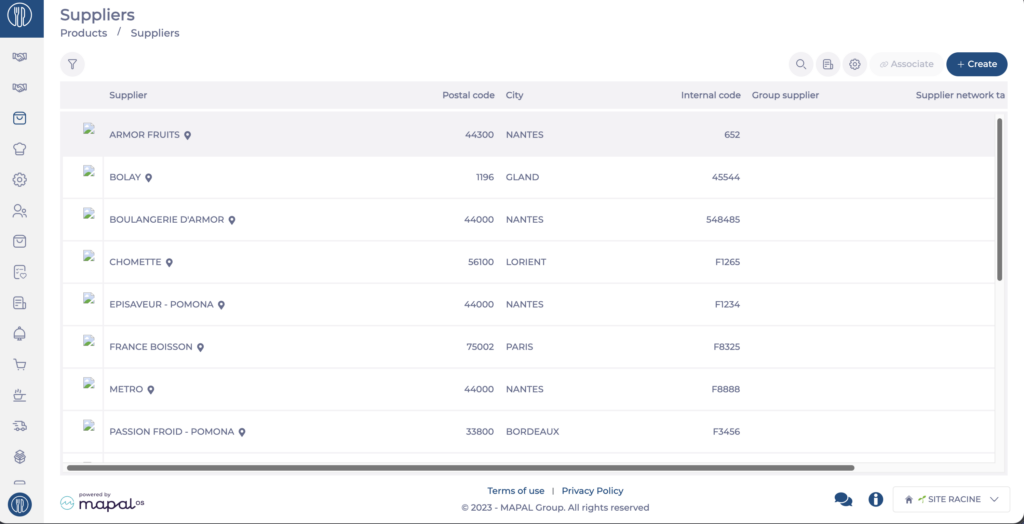
- Select the Products > Suppliers tabs.
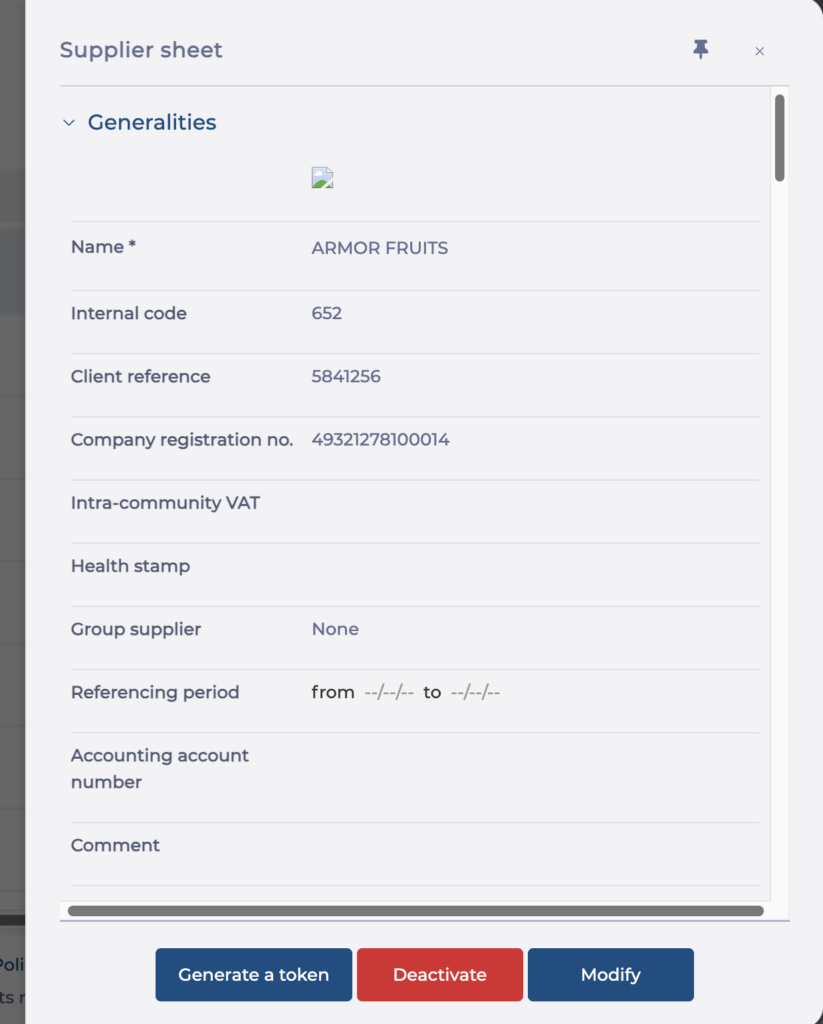
- Select the supplier record from the list.
- Select Modify.
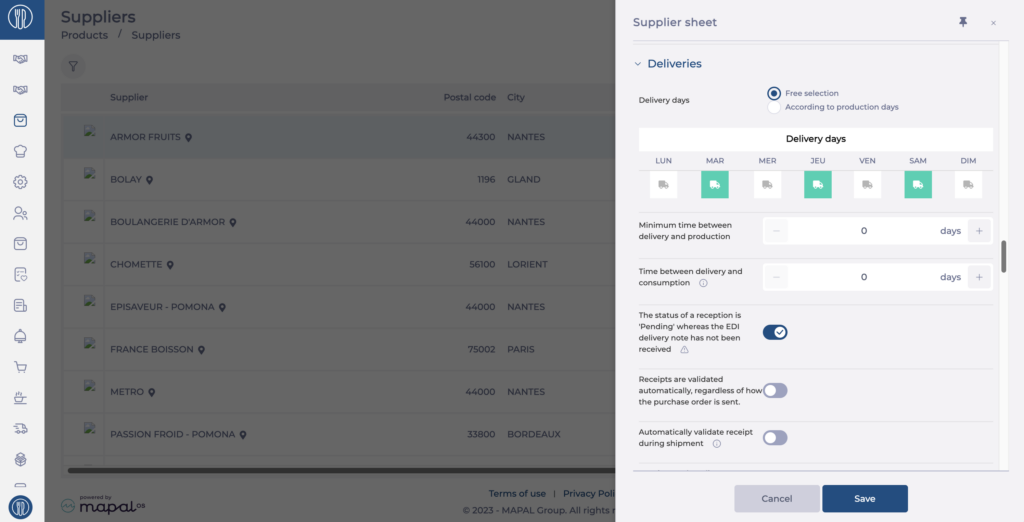
- In the Delivery section, enable A reception status is "Pending" until the EDI delivery note is received.
- Select Save.
When this option is enabled, the goods received note stays at the Pending delivery status on the Receptions screen until Easilys has received the EDI delivery note, that is, until the supplier's software has sent the delivery note confirmation to Easilys.
Note: do not enable this option if you do not use the EDI system with this supplier. Goods received notes would remain locked at the Pending delivery status, and only the technical team would be able to release them.