


Start from: The Easilys menu.
Once the site has been created in Mapal OS, you must add it to the Easilys site tree. To do this:
- Select Profile > Site parameters.
The site tree page is displayed on the screen.
- Select the desired location for adding the site.
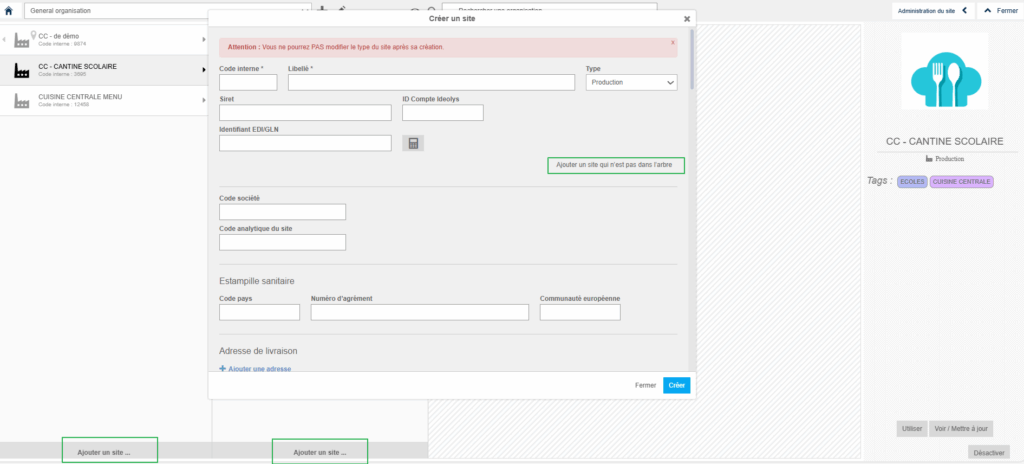
- Select Add a site according to the desired location.
- Select Add a site that is not already in the tree.
The site previously created in Mapal OS appears here:
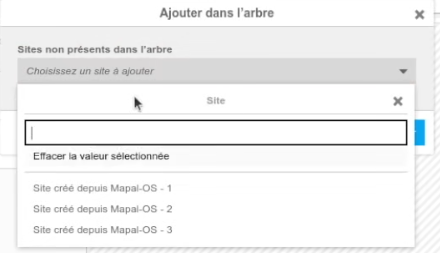
- Select the desired site from the list.
- Click Add.
- The site then appears in the desired column.
