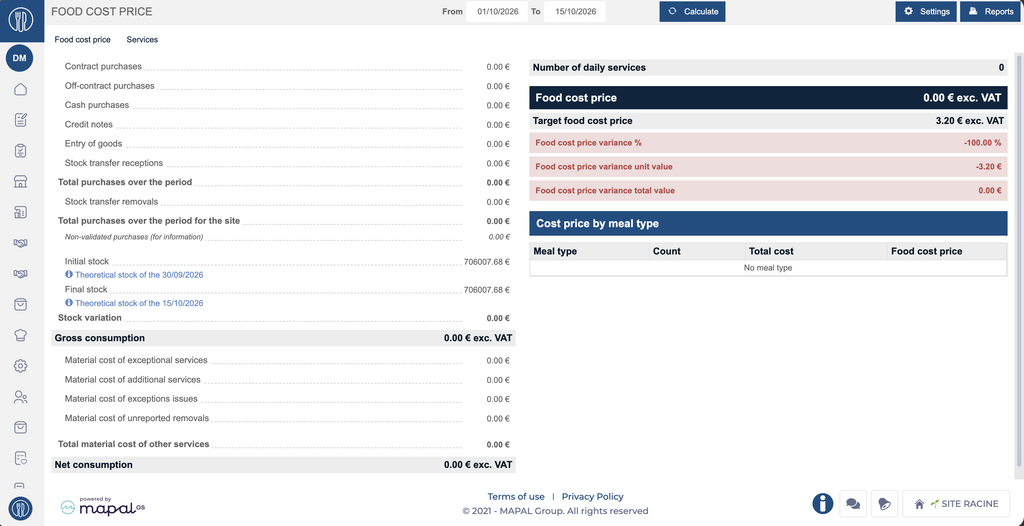
Start from: the Easilys menu.
- Select Profile
>Site parameters. - Select the My budgets tab.
- In the Food cost price field, enter the new value.
- Select Save.
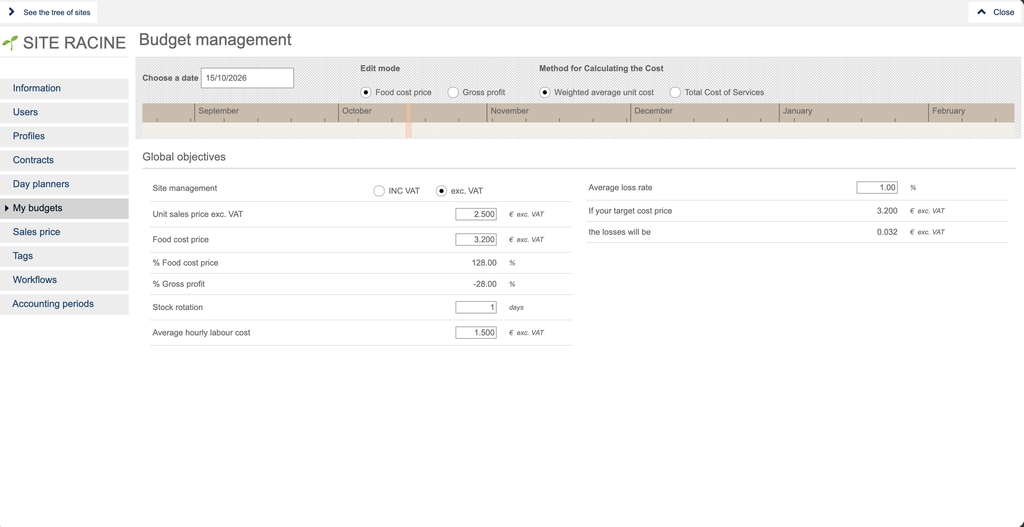
Notes: Changes are applied immediately after saving.
The new target food cost is then taken into account and displayed on the Management > Food cost price screen.