Start from: The Easilys menu.
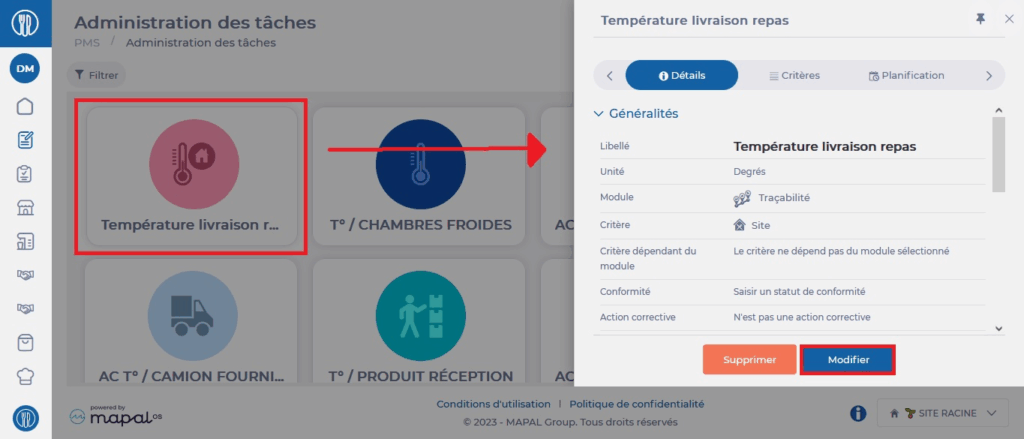
- Select the PMS > Task administration tabs.
- Select an existing task in the display table on the Tasks administration screen.
The task sheet appears on the right side of the screen.
- At the bottom right of the sheet, select Edit.
- Make your changes then select Save at the bottom right.