Note: actions performed on the Easilys platform are subject to user access permissions. If you are unable to perform the actions described in the articles, the necessary permissions may not be enabled for your user profile. Contact the Support team or your administrator for assistance.
Start from: the Easilys menu.
As a site or stock manager, if you wish to draw up a paper inventory from the list of products theoretically in stock and then enter it into Easilys, you can:
- Print a stock report: this method allows you to obtain the document before opening the inventory, and thus to prepare the inventory. It is described in the article Obtain a document listing the V2 stock status at a given date.
- Print the "Inventory" document from the inventory screen. This article tells you how.
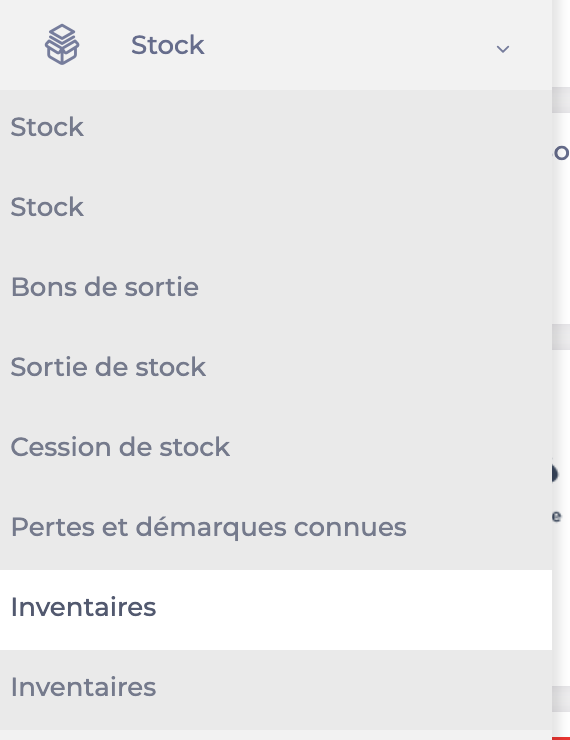
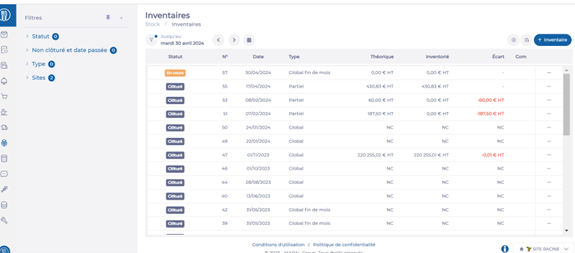
- Select the row for the inventory you want.
- Select Report.
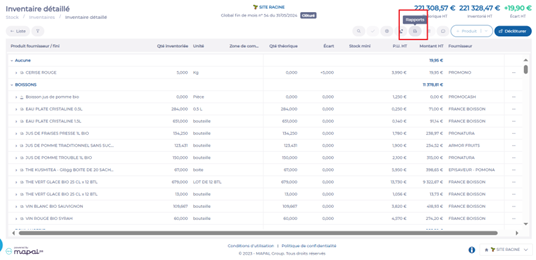
- Select the desired report.
- Specify the format and any available options.
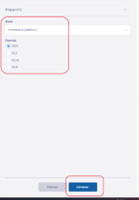
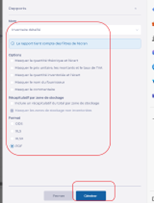
- Select Generate.
You can obtain three types of reports:
- Inventory: a PDF or word processing document listing the products in the inventory, with a subtotal for each storage area and space to write down the quantities counted.
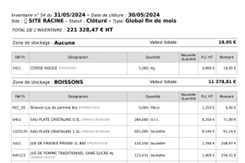
- Inventory (Spreadsheet): a spreadsheet or PDF report listing the products in the inventory, with space to write down the quantities counted.
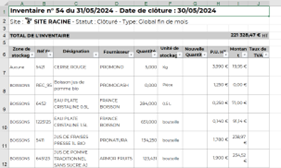
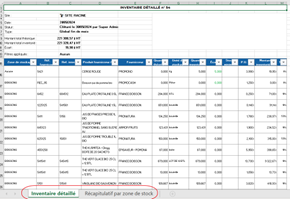
- Detailed inventory: a spreadsheet report with more information about each product and, depending on the option selected, a summary of amounts for each inventory.