


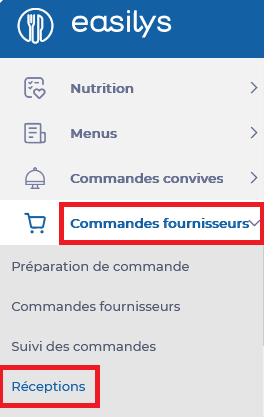
Start from: The Easilys menu.
- Select Supplier orders > Receptions.
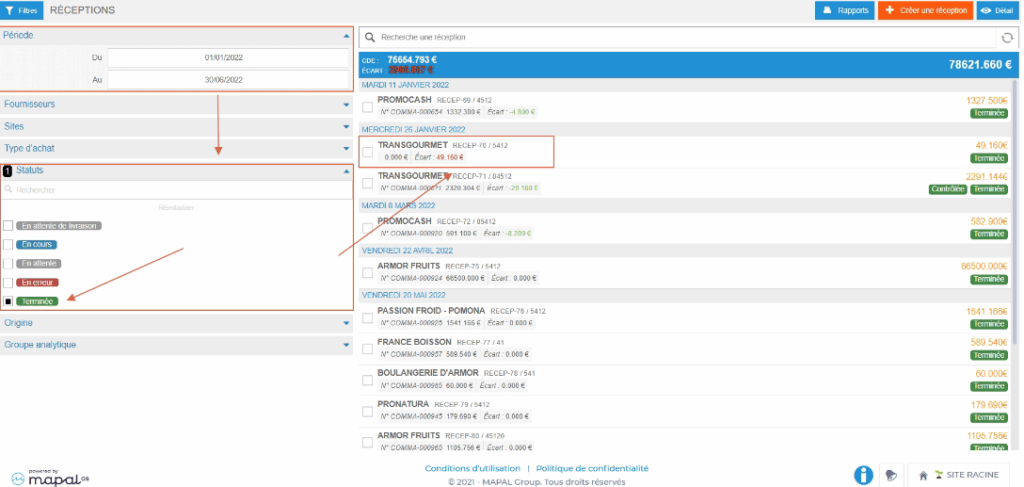
- Select the reception to print.
- If the reception to print is an already validated reception: use the Status filter; check the Completed status and thus display the list of your validated receptions.
The reception details are displayed.
- Select the Information tab of the reception.
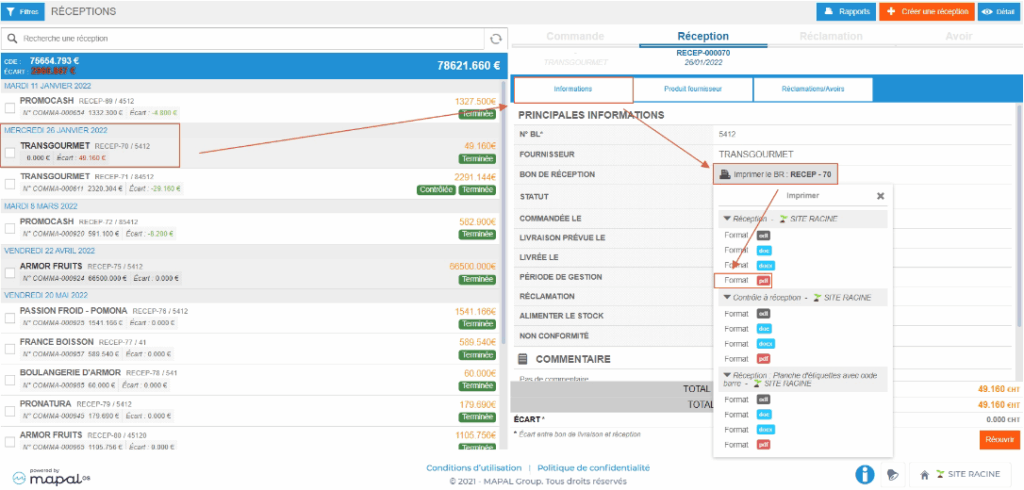
- Select Print the RV on the "RECEPTION VOUCHER" line.
- Preferably choose the .PDF format.
