


Start from: Easilys menu
- From the parent site main menu, select Products > Product Administration V2.
- Search for and select the product of your choice.
Note: The choice of product does not matter. The purpose is to access the label settings.
- Select Edit.
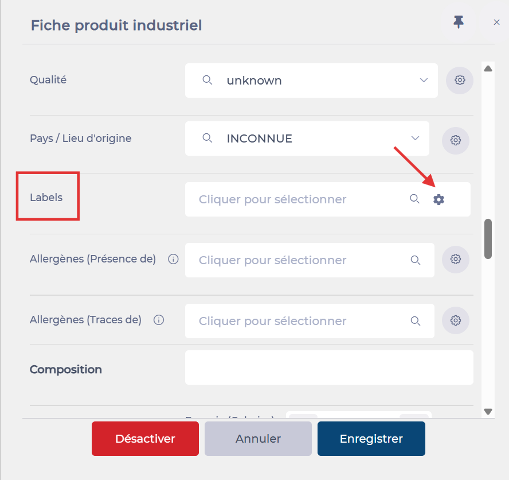
- On the product label, select the cog icon.
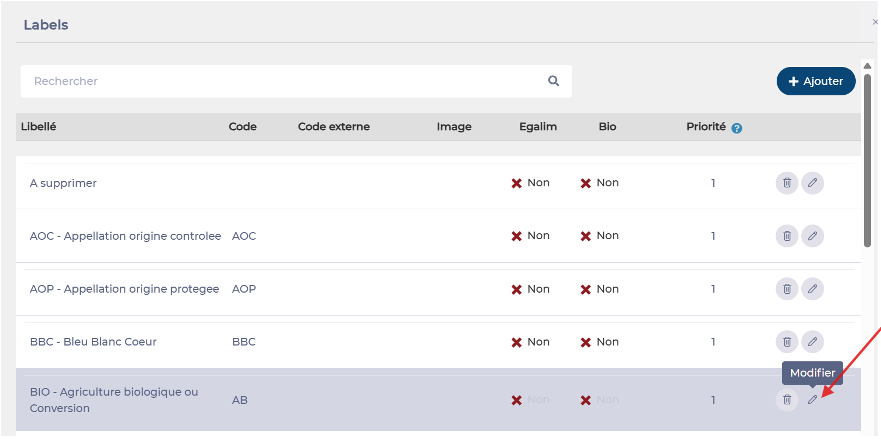
- Select Edit next to the logo you want to customise.
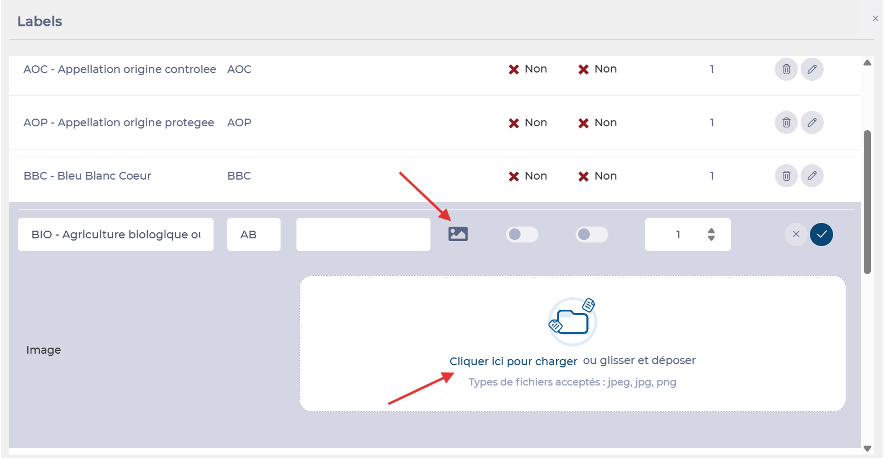
- Insert your logo image.
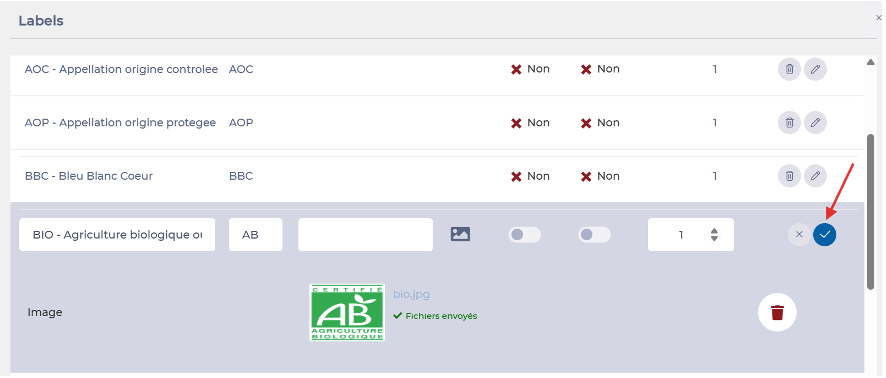
- Confirm your selection to apply the logo to the label.
