


Start from: The Easilys menu.
Easilys identifies a situation that requires a claim or credit note request and generates it automatically. However, the user can take control and delete an automatically generated credit note request.
- Select the Supplier orders > Receptions tabs.

- Select the relevant reception.
- Select the red NC button or orange button visible to the left of the supplier product name subject to a credit note request.
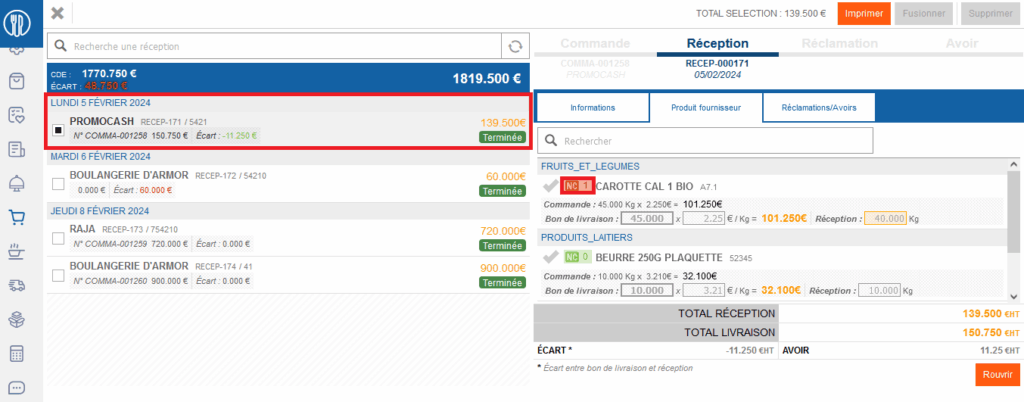
- The details of the supplier product appear on the right side of the screen. It opens to the "Claims/Credit notes" tab.
- Select Delete these claims. The claim and the credit note request disappear and the NC button turns green again to the left of the supplier product name.

- Select Save now at the top of the screen.
