


Start from: The Workforce module.
Note: To delete templates, your role needs the Access Templates and Create/Edit/Delete Templates permissions. An administrator assigns these permissions in Configuration > Roles. For more information, see Permissions and actions: Document templates.
- Select Documentation from the main menu.
- Select the Templates tab.
- Select the bin icon next to the template.
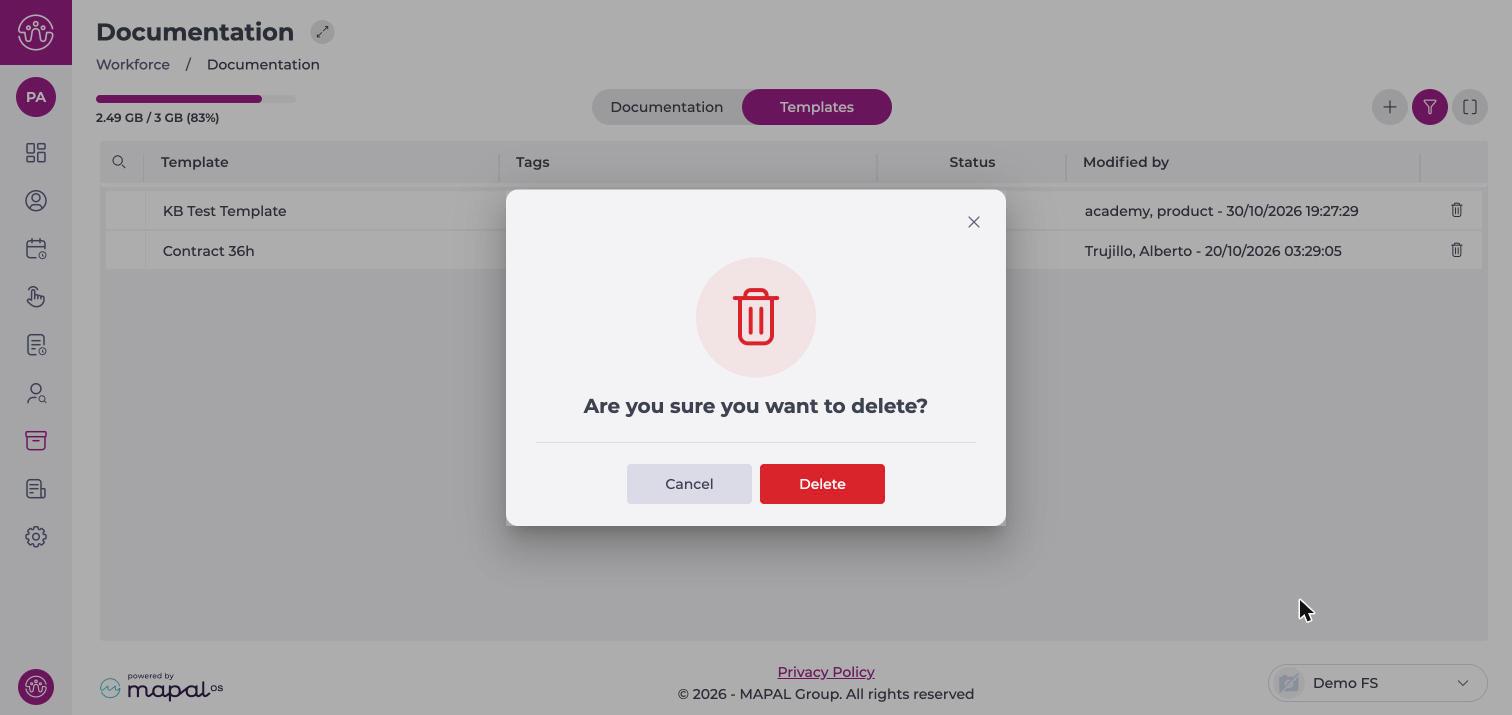
- Select Delete to confirm.
Note: You cannot undo this action. If Workforce cannot find the file or an error occurs, the template is not deleted.
