


Start from: The Workforce module.
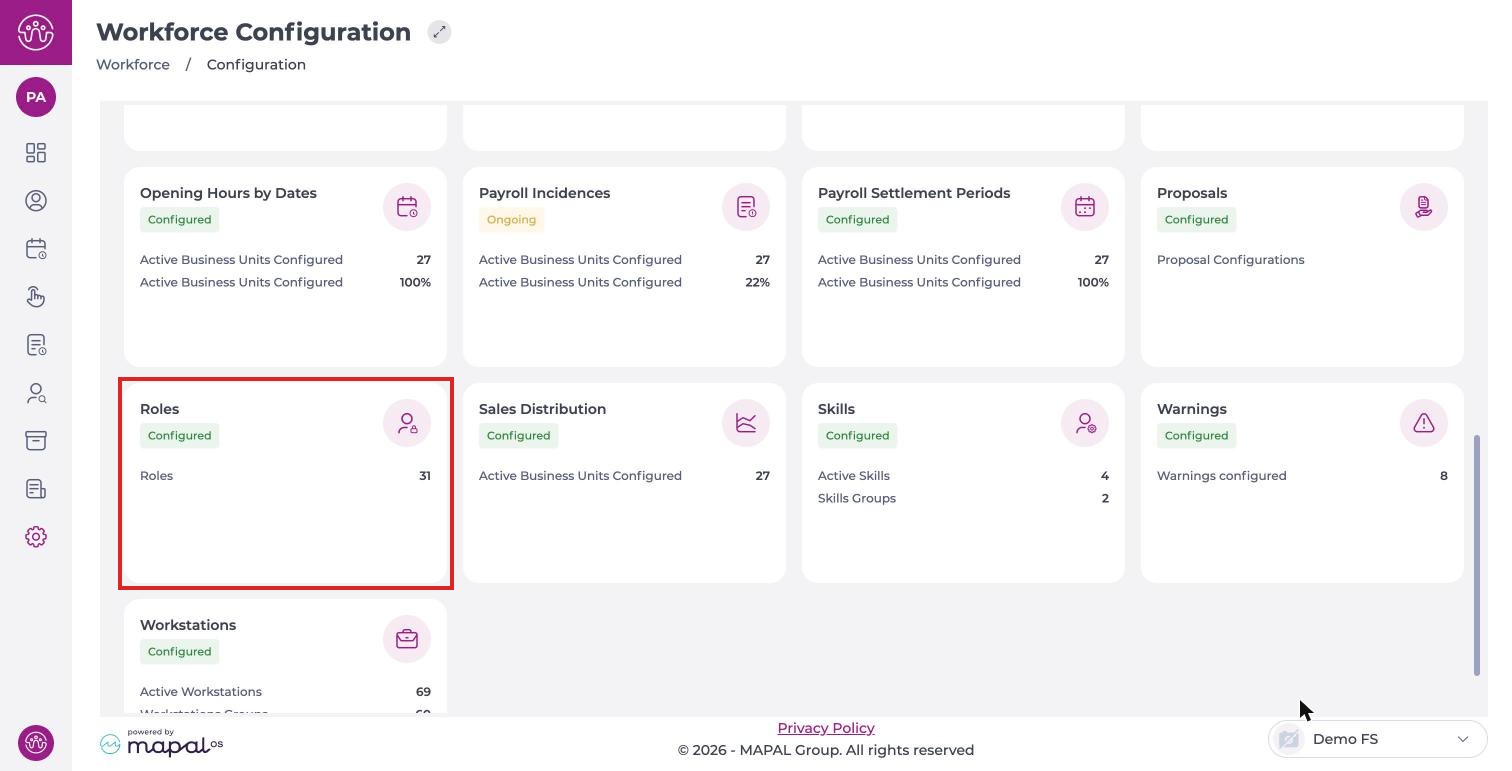
- Navigate to Configuration > Roles.
Document templates have two permissions in the Documentation menu:
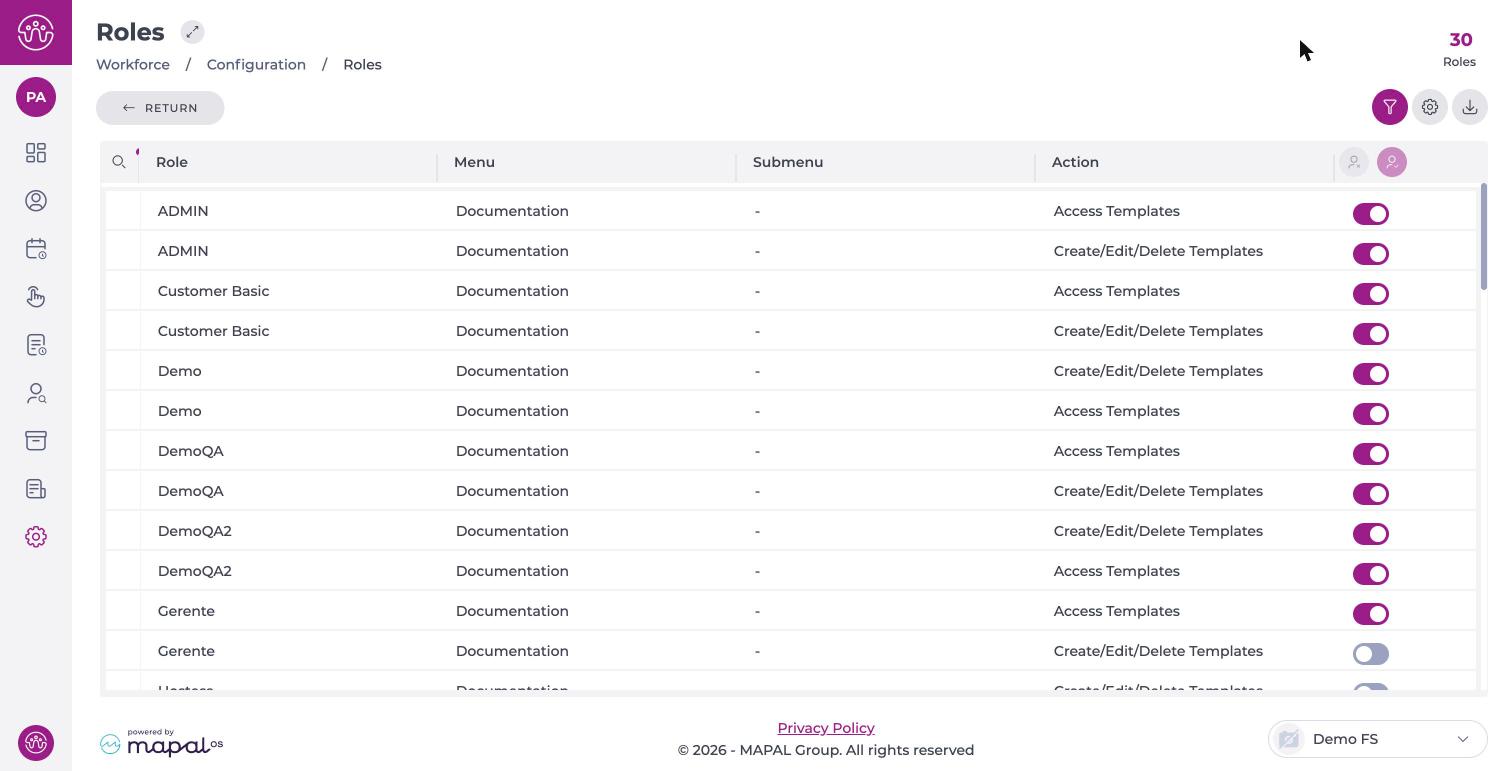
- Access Templates: lets the role view templates.
- Create/Edit/Delete Templates: together with Access Templates, lets the role create, edit and delete templates.
Note: To create, edit or delete templates, the role needs both permissions at the same time. One of them alone is not enough.
If a role is missing a permission, the option is not available or Workforce warns that the user does not have permission. To create a template, see Create a document template.
