Start from: The Easilys menu.
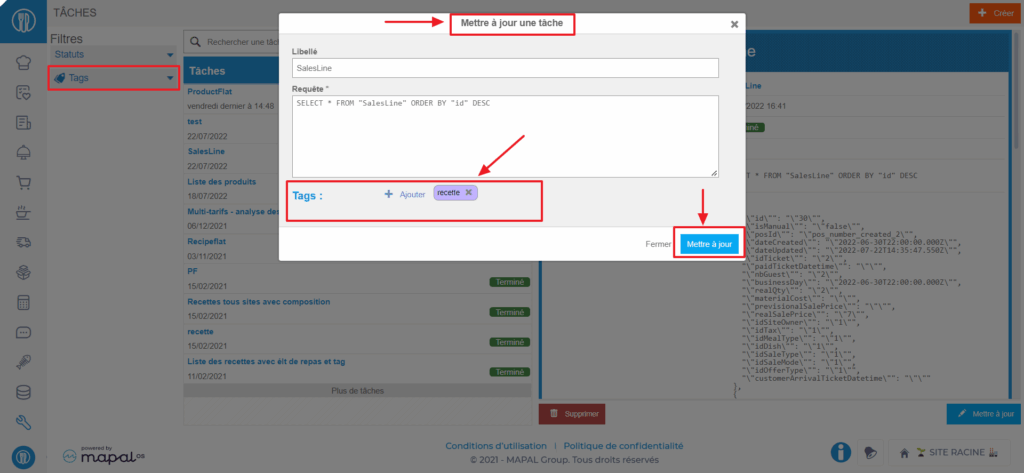
Tags of the "Task" type allow you to organize the tasks available in the TASKS screen (TOOLS section), which is generally only accessible to main administrators of the Easilys environment.
For more information about tags, refer to the article What is a tag and what is it for?
The TASKS screen is a highly restricted access screen. It allows you to obtain very detailed data extractions according to the needs of administrators while waiting for the deployment of Easilys ANALYTICS offers to meet those needs.
These tags are applied directly to tasks, and you can then filter the task list by selecting the tag, as well as from the site settings, "Tags" tab, to define which tasks a business unit can see.