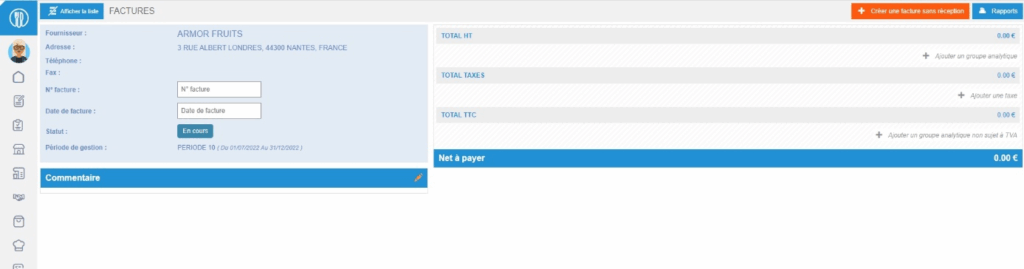
Note: If in the Supplier orders menu, the SUPPLIER INVOICES screen is accessible to you, the guide below is not the one you should follow: refer to the article Enter a supplier invoice manually.
Start from: The Easilys menu.
- Select the tabs Supplier orders > Invoices.
- Select Create an invoice without receipt.
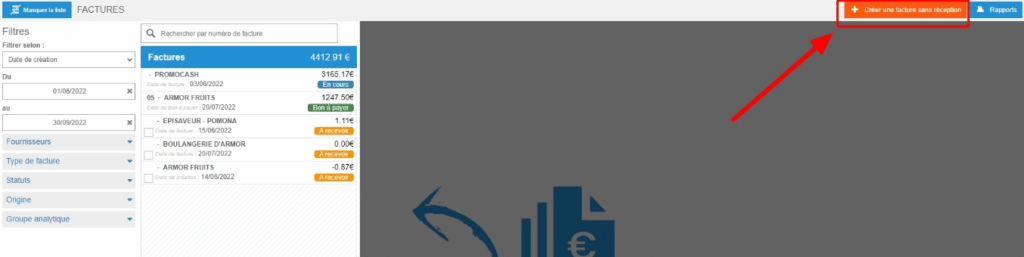
The "Create an invoice without receipt" window appears on the screen.
- Select the relevant supplier.
- Select Create.A blank invoice appears on the screen. You can now complete it, as indicated in the article Enter an invoice.