Start from: The Easilys menu.
- Select the Supplier orders > Supplier invoices tabs.
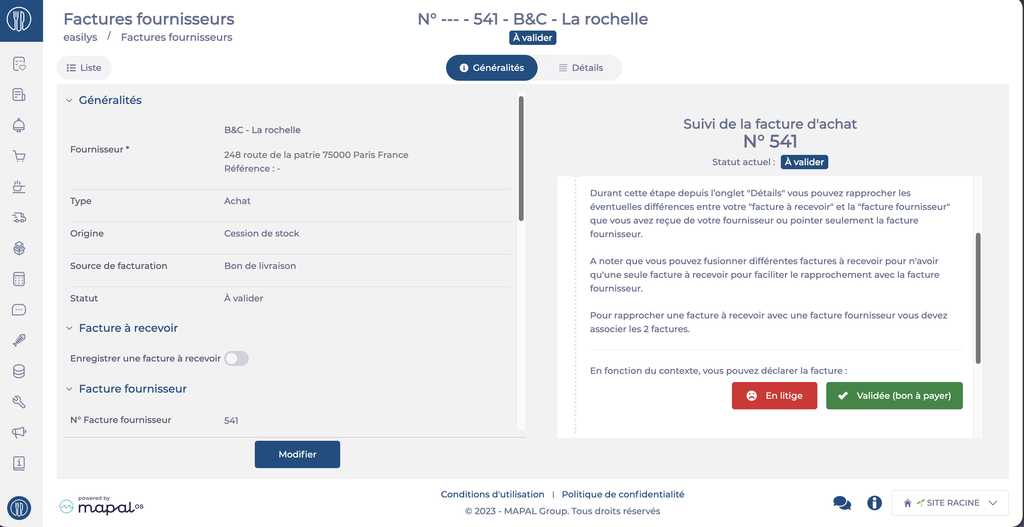
If you do not agree with a supplier invoice, when it is in To validate status, you can delay its validation by changing it to Disputed status. This allows you to clearly identify among your invoices those that have a disagreement to be resolved with the supplier.
- Select the invoice.
- Select Disputed.
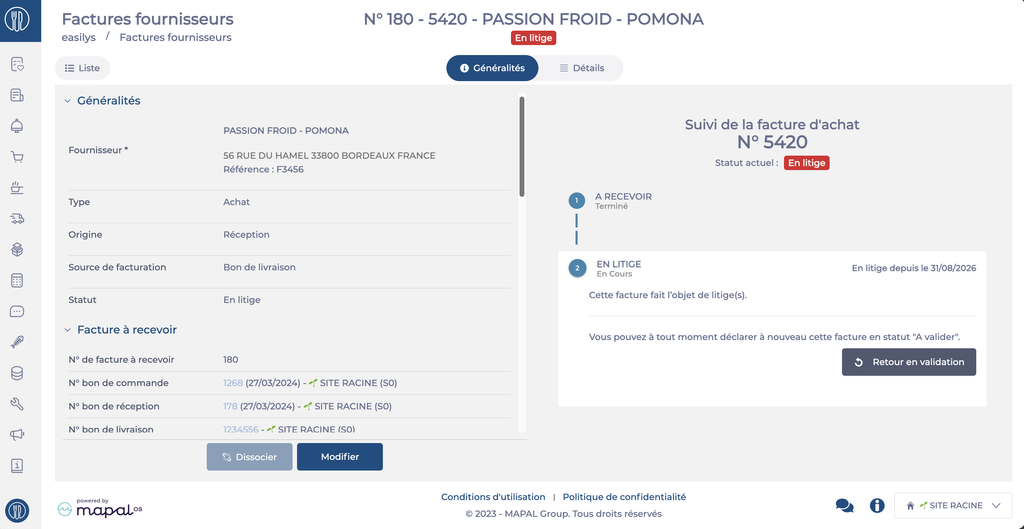
The invoice will then have the Disputed status.
For an invoice with the Disputed status, you can then:
- Edit the invoice lines in the Detail tab.
- Return the invoice to To validate status once the dispute is resolved, allowing it to be validated.
Note: Remember the "Comments" and "Attached documents" sections in the "General" tab to add more information about the changes made or the follow-up of the dispute management.