


Note: any action that can be performed on the application is subject to a right. If you are unable to carry out the recommended actions in the articles you are viewing, it might indicate that the required permissions are not enabled for your user profile. Reach out to the Support team or your administrator for further information.
VIEW DETAILS OF STOCK MOVEMENTS ON A PRODUCT
IF THE PRODUCT IS VISIBLE IN STOCK
- Select the Stock>Stock tabs.
- Select the Mouvements de stock (Stock movements) or the Stock section.
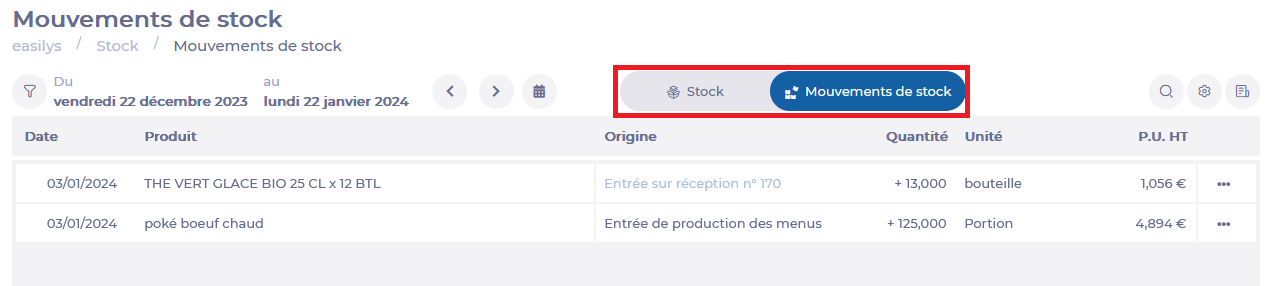
- Search for the product for which you wish to view details of stock movements.
- Select the 3 dots to the right of the desired product line.
- Select the Consulter les mouvements de stock du produit (Consult product stock movements) option.
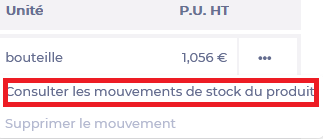
The Mouvements d'un produit (Product movements) window appears on the screen.
- Select Liste (List) to return to the stock list.

IF THE PRODUCT IS NOT VISIBLE IN STOCK
- Select the Stock>Stock tabs.
- Select the Stock section.
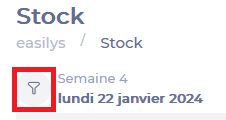
- Select the funnel icon.
- Select the Quantité (Quantity) filter.
- The filter options are displayed, select Quantité = 0 (Quantity = 0) or Quantité <0 (Quantity <0) .
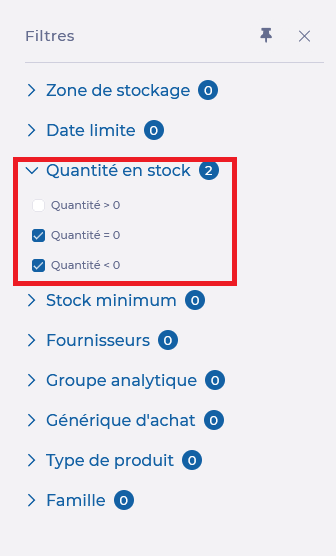
Only products no longer in stock are displayed.
- Search for the product for which you wish to view details of stock movements.
- Select the 3 dots next to the desired product line.
- Select the Consulter les mouvements de stock (Consult stock movements) option.The "Mouvements d’un produit" (Product movements) window appears on the screen.
- Select Liste (List) to return to the stock list.
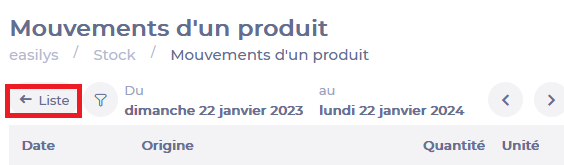
- Remember to set the Quantity filter to Quantité > 0 (Quantity > 0).
VIEW ALL STOCK MOVEMENTS OVER A PERIOD
- Select the Stock > Stock tabs.
- Select the Mouvements de stock (Stock movements) section (1).
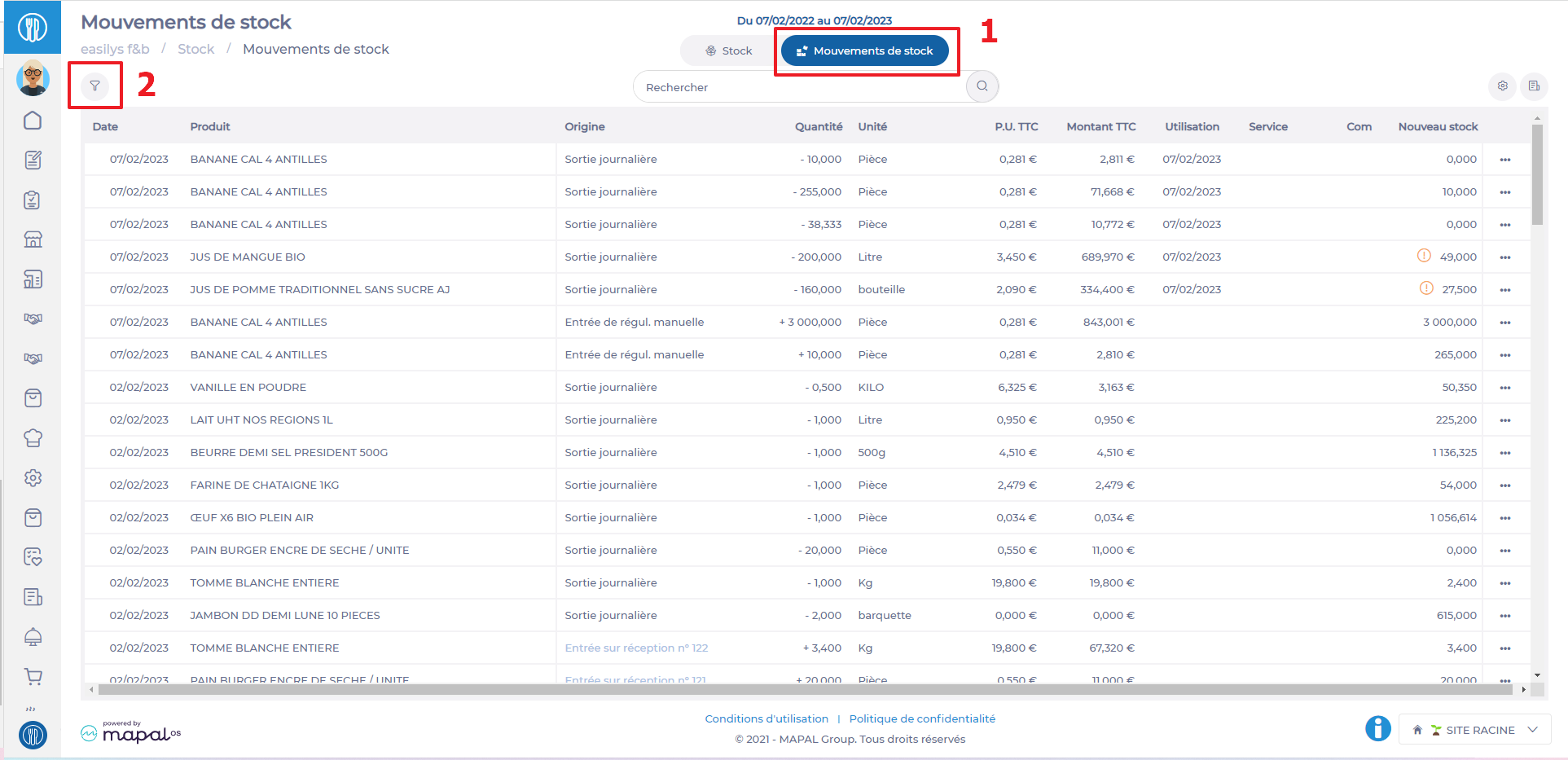
- Select the funnel icon (2) to filter these movements by origin, supplier...
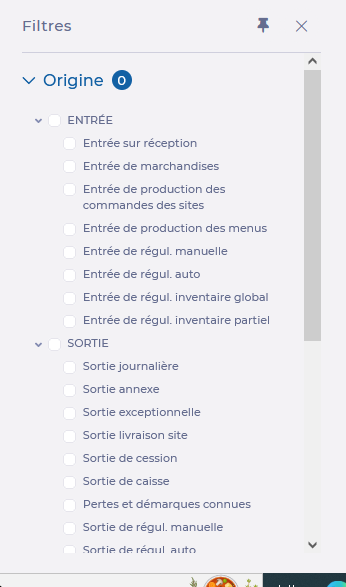
- On the Mouvements de stock (Stock movements) section, select the calendar icon to define the search period.
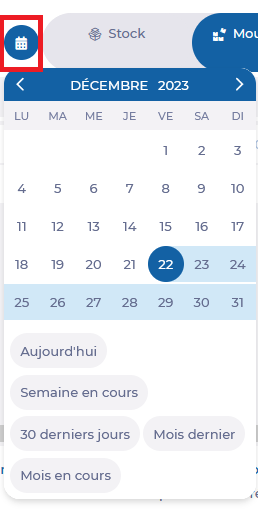
- Use the search bar to filter stock movements by label.

Example: I'm looking for all stock movements for products with the wording "WATER", from 01/01/2022 to 31/12/2022, originating from a daily issue.
?Note: by default, all stock movements over a sliding year are displayed. It is also possible to consult the details of movements on a product via the "Mouvement de stock" (Stock movement) tab, by clicking on the 3 dots at the end of the line of the product concerned, then on Consulter les mouvements de stock du produit (Consult product stock movements).
