


Note: Actions on the Easilys platform depend on your user access permissions. If you are not able to perform the actions below, this may be due to restrictions on your user profile. Please contact the support team or your administrator for assistance.
Start from: The Easilys menu.
Before you export: Prepare your data
Before sending your diagnostic, ensure the following industrial product data is properly configured in Easilys:
-
Categories: Should match the families defined in Ma Cantine.
-
Labels: Must be mapped to product characteristics used by Ma Cantine.
-
Origins: Required to identify local products.

These fields are essential to generate a reliable diagnostic report.
Connect to Ma Cantine
-
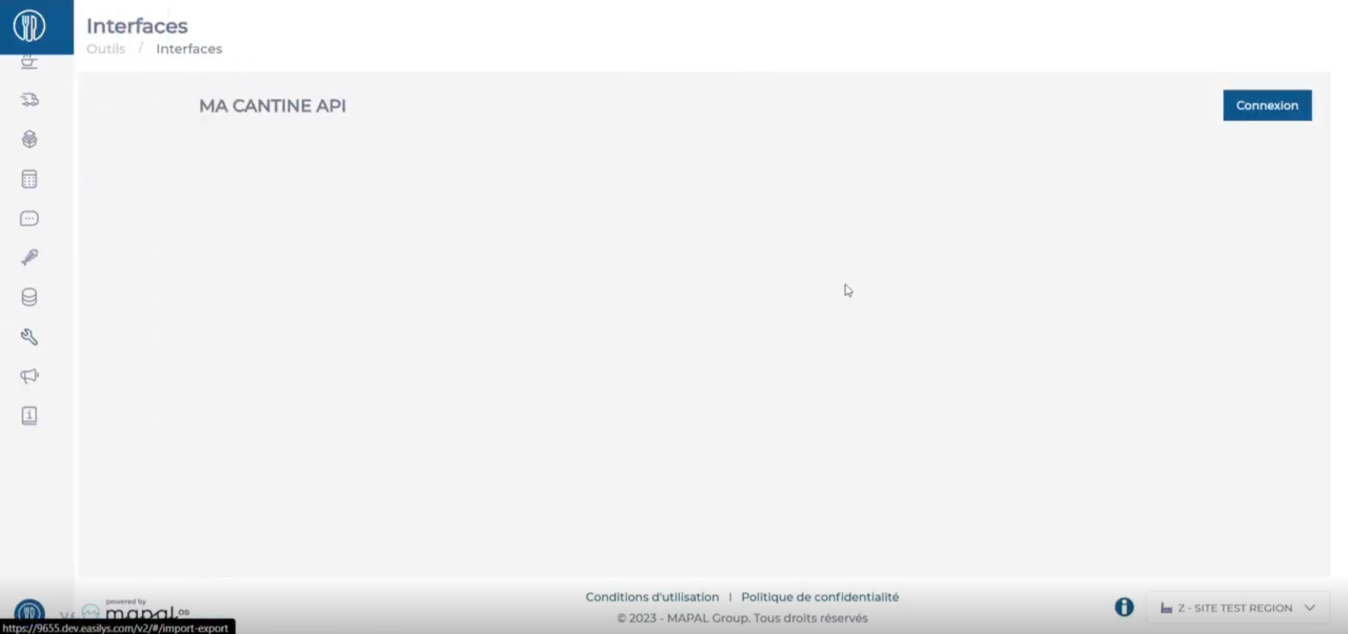
Go to Tools > Interfaces.
-
Select Connect.
-
Select Authorise.
-
This authorisation is required only once.

Once connected, Easilys will be linked to your Ma Cantine account.
Sending the diagnostic
Now that the connection is established, here is how to send your diagnostic.
-
From Tools > Interfaces > Ma Cantine.
-
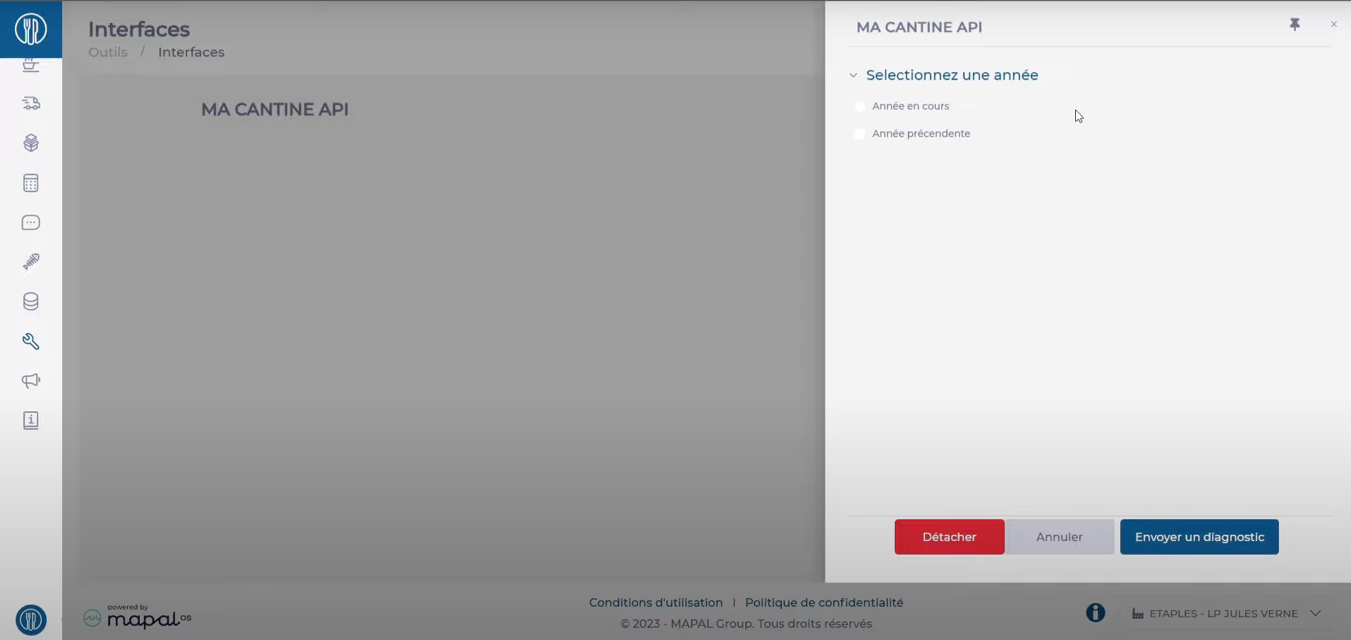
Select Details.
-
Choose the reporting year:
-
Current year: From 1 January to today
-
Previous year: From 1 January to 31 December of the last year
-
-
Click Authorise to validate and send your data.
You can repeat this operation as often as necessary, for example, every month or quarte, so that the information is regularly updated in the Ma Cantine dashboards. With each submission during the year, the data from January 1st to today is sent.
Verification in Ma Cantine
Once the submission is completed, go to Ma Cantine to verify your data.
-
Log in to Ma Cantine.
-
Select your site.
-
Choose the relevant year to see the products sent.
-
If necessary, adjust the information before declaring.

Note: Validation and e-submission remain your responsibility. Be sure to check the figures before finalising.
Common issues and solutions
|
Issue |
Solution |
|
Cannot access Tools > Interfaces |
Contact your Easilys administrator. |
|
Ma Cantine is not listed in Interfaces |
Check access rights with your administrator. |
|
Error: “Please enter your SIRET number” |
Add the SIRET in your site settings. |
|
Error: “Your SIRET is not known in Ma Cantine” |
Confirm the site exists in Ma Cantine. Create it if needed. |
Remember, proper product configuration is essential for a reliable diagnostic. If in doubt, consult your manager or the Easilys support team.
