Start from: the Easilys menu.
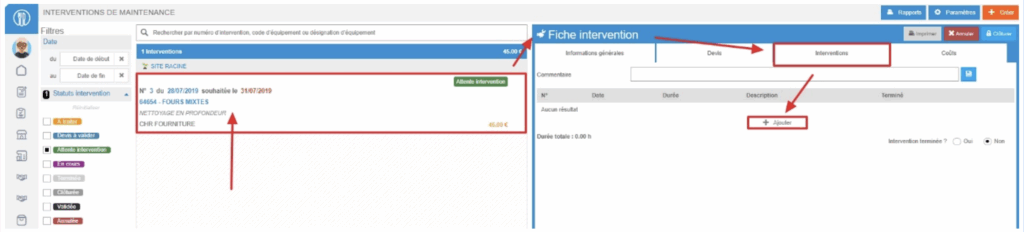
- Navigate to Equipment items > Interventions.
- Select the intervention record to which you want to add a report.
The details of the intervention appear on the right-hand side.
- Go to the Interventions tab within the record.
- Select + Add.
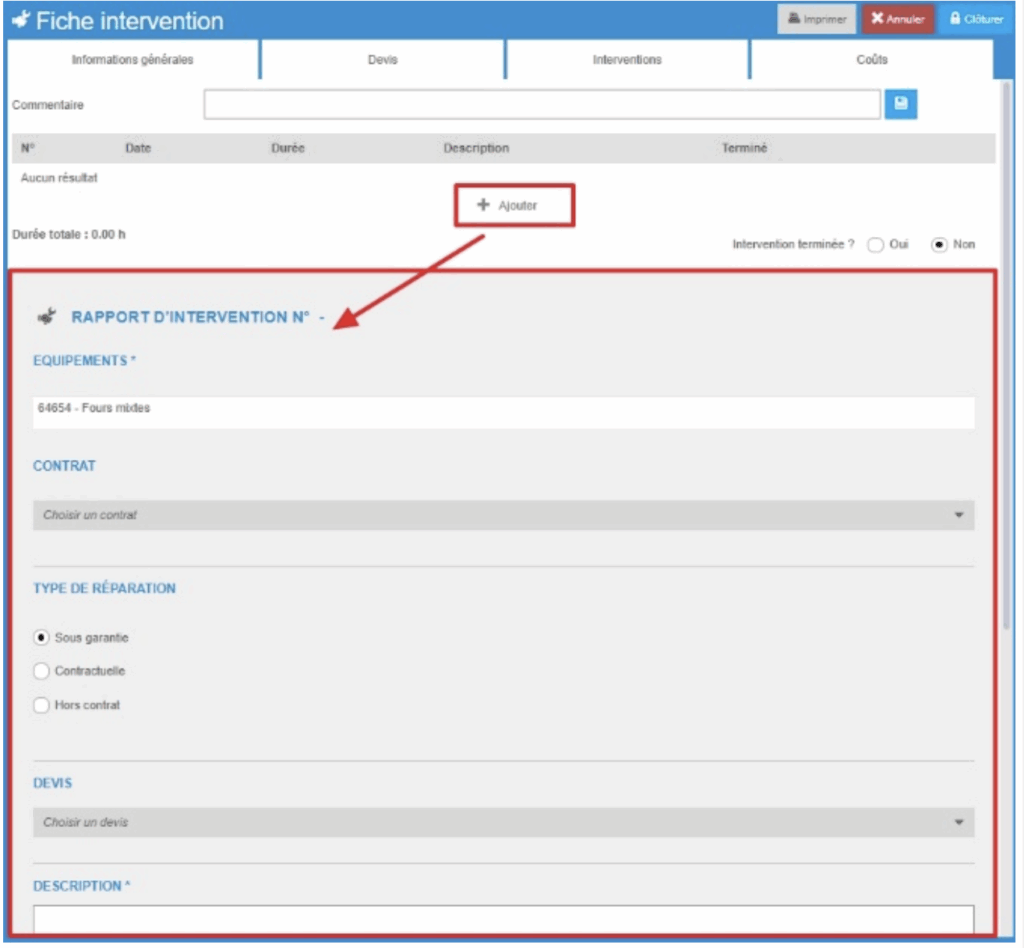
A blank Intervention report form will appear on screen.
- Fill in the required fields. Fields marked with an asterisk (*) are mandatory.
- Select Save at the bottom right of the intervention report.
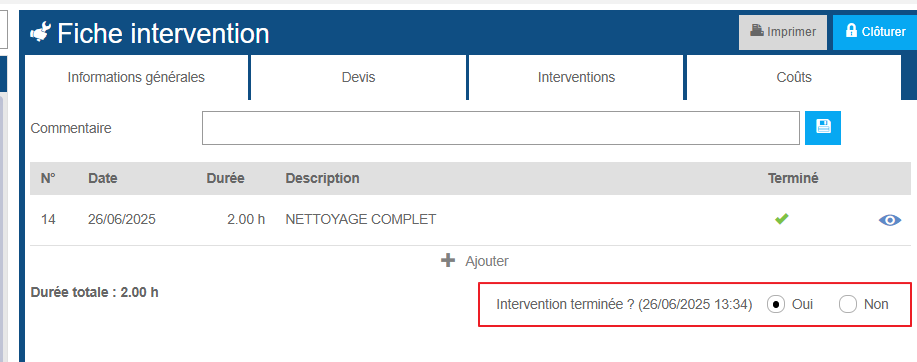
The report is now added to the table at the top of the Interventions tab.
- To view a report, select the eye icon on the right side of the table in the Interventions tab.
You can indicate whether the intervention is complete within the report.
As soon as a report marks the intervention as completed, the intervention record will change to Completed status.