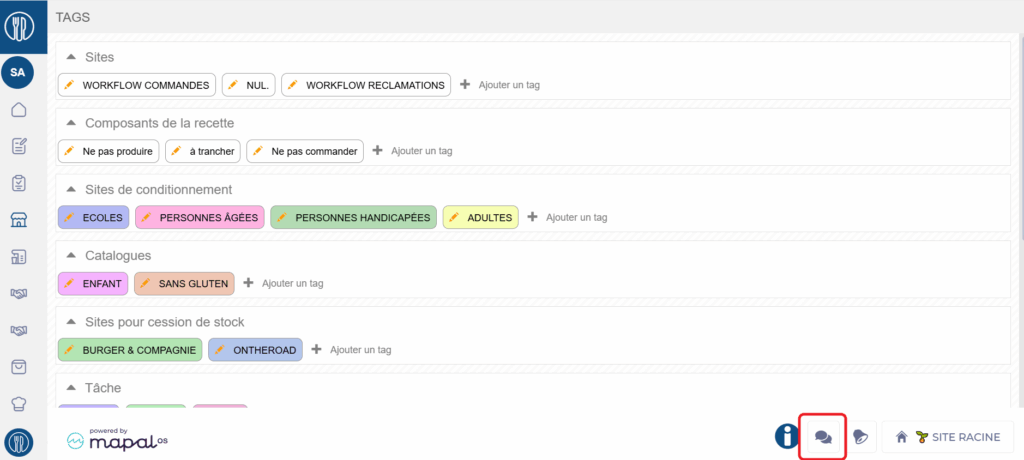
Start from: The Easilys menu.
It is not possible to delete a TAG. However, there is a workaround you can apply.
- Select the Sites > Administration of tags tabs.
- Select the orange pencil icon on the tag to be deleted.
- Rename the tag "TO DELETE".
Note: It is not possible to name all your tags "TO DELETE", so use "TO DELETE X".
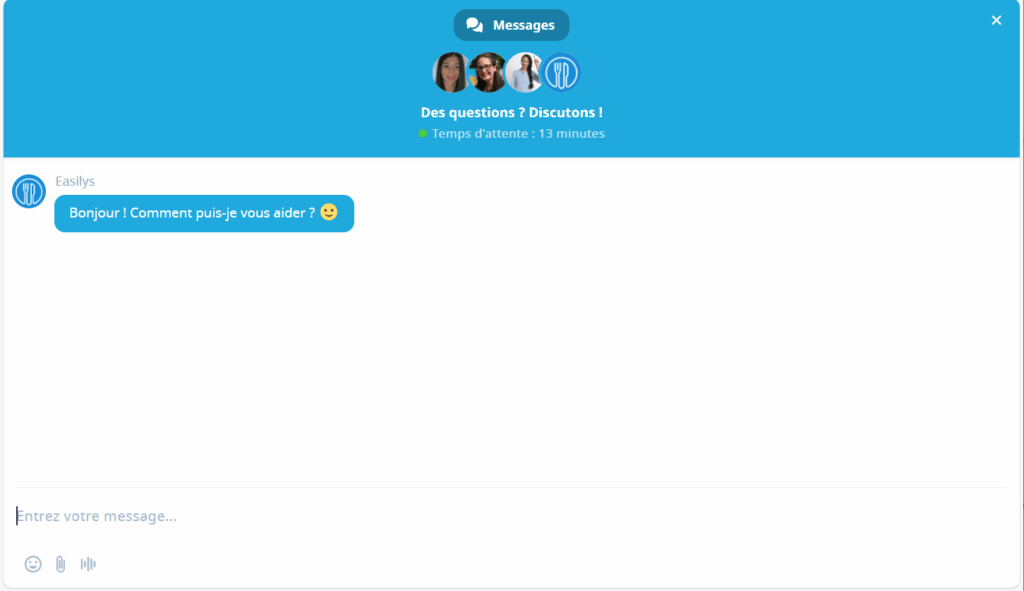
- When you have several tags to be removed in this way, send a cleaning request to our Support team. We will then request the deletion of tags named "TO DELETE" from our technical team. You can send your request via chat by clicking on the bubbles at the bottom right.