


Note: Every action you can perform in the application is subject to access permission. If you are unable to perform the recommended actions in the articles you consult, it may mean that the necessary permissions are not enabled for your user profile. Contact the Support team or your administrator to learn more.
Start from: The Easilys menu.
It is not possible to delete a row from the table.
However, it is possible to set an end date. From this end date, the row will no longer appear in the tracking table.
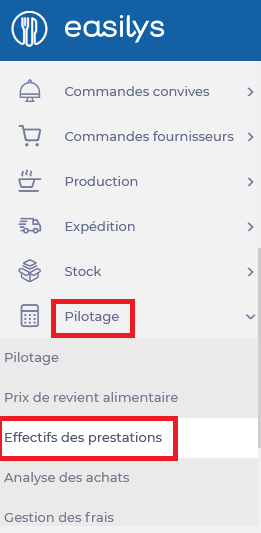
- Select the Management > Service counts tabs.
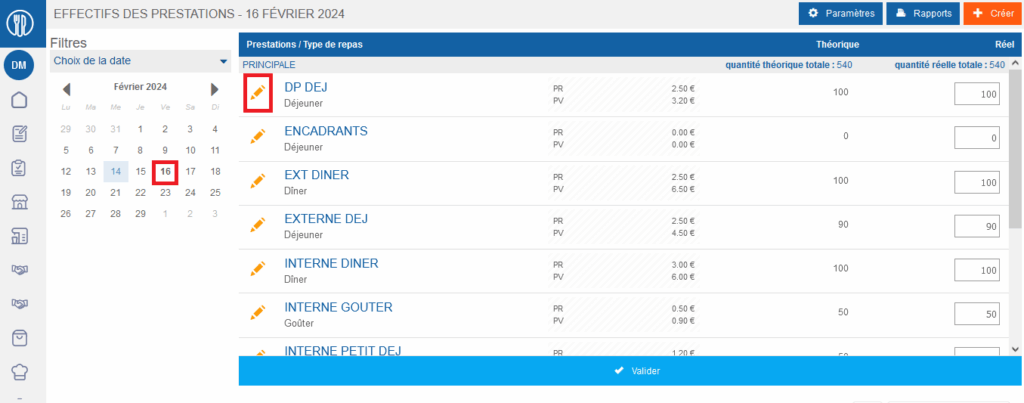
Since you are on an unvalidated day, you have access to the orange pencils in front of each row of your table to modify them.
- Select the orange pencil for the row you no longer want to see in the table.
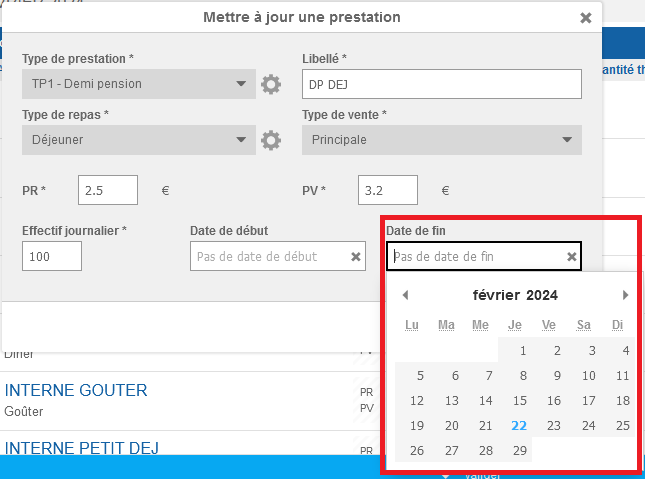
The "Update a service" window appears on the screen.
- Select an end date.
- Select Update.
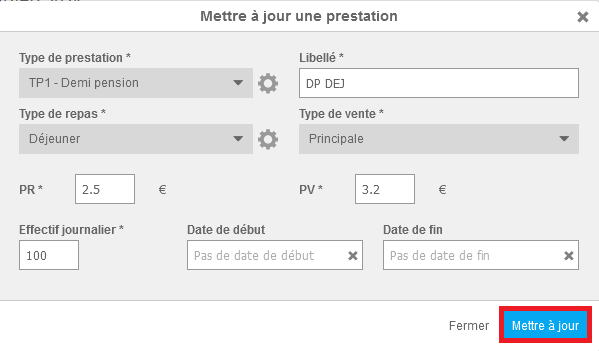
The row will no longer be visible in the table the day after this end date.
