Start from: The Easilys menu.
- Select Health and Safety plan > Task administration.
- Select an existing task in the task administration screen display table.
The task details will appear on the right side of the screen.
- At the bottom right of the details, select Delete.
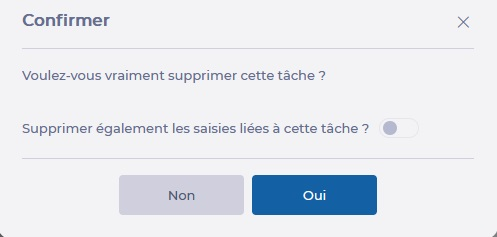
- You can check the box to delete all entries linked to the task if needed. However, this is not recommended if you want to keep an accurate history.