Note: each action performed in the application is subject to access permissions. If you are unable to carry out the recommended actions in the articles you are viewing, this may mean that the necessary rights have not been activated for your user profile. Contact the Support team, or your administrator, to find out more.
Start from: The Easilys menu.
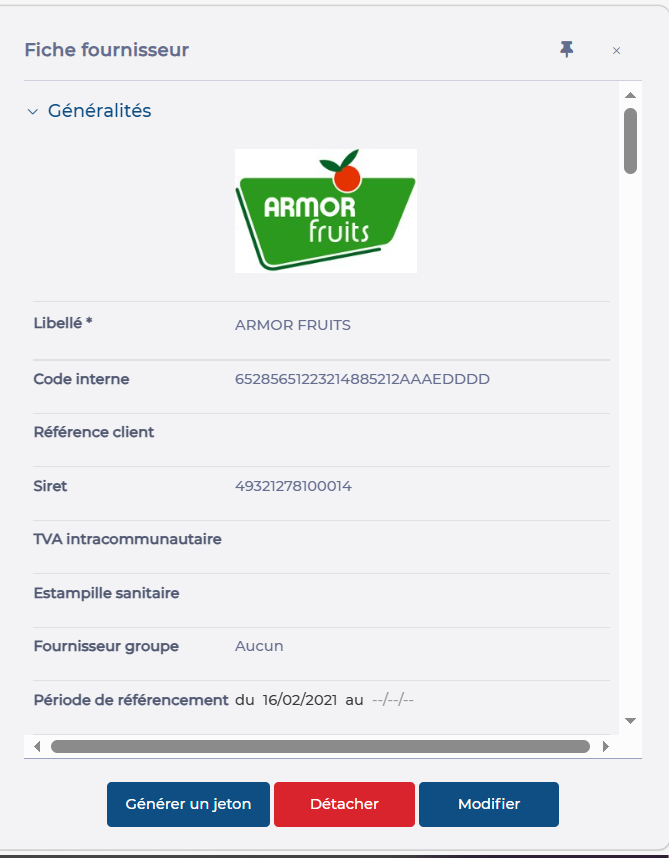
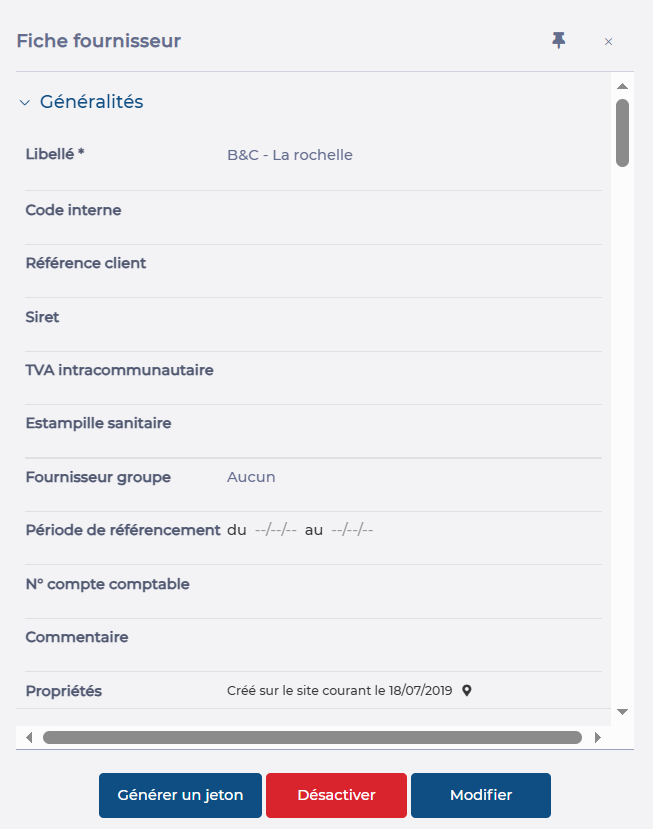
A supplier record created on a site can be deleted on this site. If the supplier record is an associated supplier record, i.e. it comes from a parent site which is the owner and administrator, then it is only possible to detach it from the site. The site will then no longer have access to this supplier and the purchasable products linked to it on the parent site.
- Select Products > Suppliers.
- Select the existing supplier record you wish to delete from the list.
The supplier record is displayed on the right-hand side of the screen.
- Select Deactivate for a local supplier, or Detach for a supplier administered by a parent site.
- Confirm your choice.